DesignCad
- Started
- What's New V.4.7
- Getting Started
- Home Screen
- Dxf Send/Receive
- Model Design
- Point Operations
- Grading
- Pieces Operations
- Plot Piece
- Print Piece
- Measurement
- Sewing Processes
- Dart/Pleat Operations
- Internal Shape / Internal Point
- Marker Operations
- Marker Print
- Super Marker
- Technical Card Operations
- Cost
- Plot Marker
- Options
Super Marker Piece Processing
This is the section where the pieces to be included in the Super Marker are selected and special permissions are assigned.
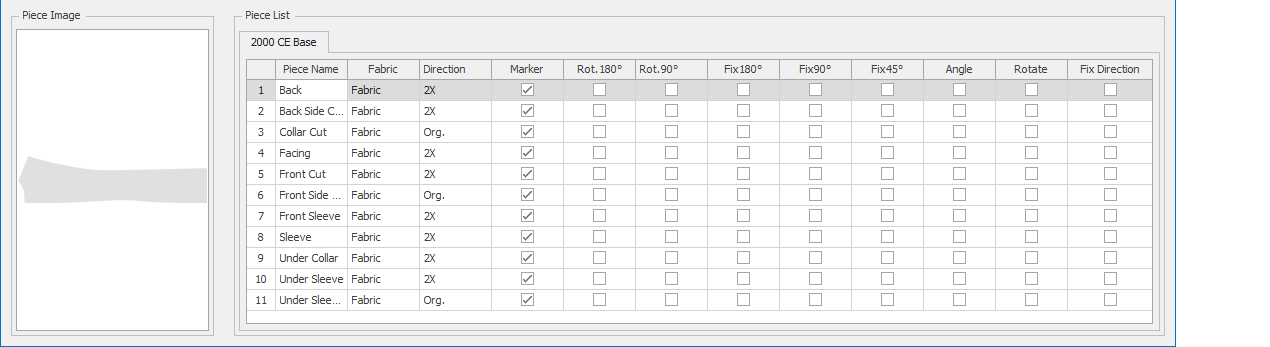
From the Piece List section, the row of the piece to be processed is selected with the mouse.
The thumbnail of the selected piece appears in the left column.
If desired, batch operations can be performed by clicking the information box at the top of the column.
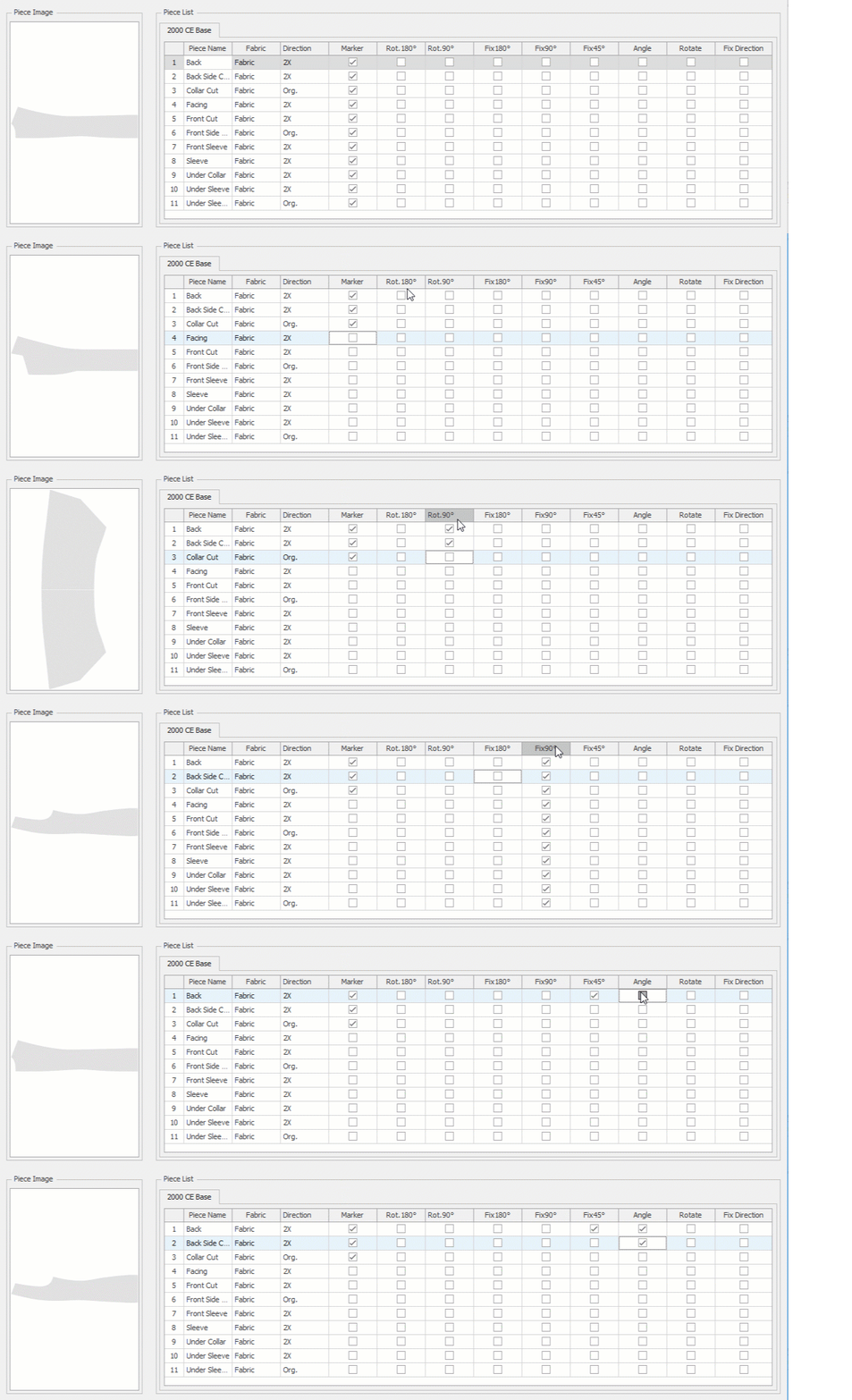
If the Marker checkbox is selected, the piece is included in the marker. If the piece should not be included, the selection mark is removed.

Rot.180° and Rot.90° are permissions that allow the piece to be rotated by 180° or 90° relative to its grainline during the Super Marker process.
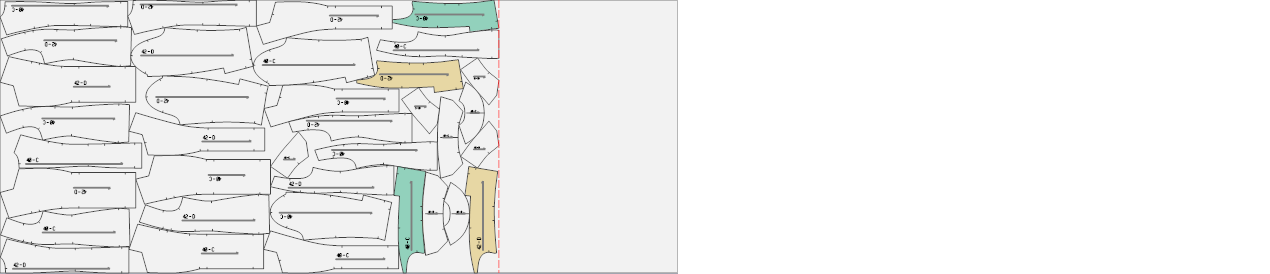
The Super Marker algorithm will decide whether to rotate the marked piece or not in order to achieve the most optimal marker placement.

If Fix 180°, Fix 90°, or Fix 45° checkboxes are selected, the piece will be rotated by the corresponding angle during the Super Marker process and included in the marker in that orientation.

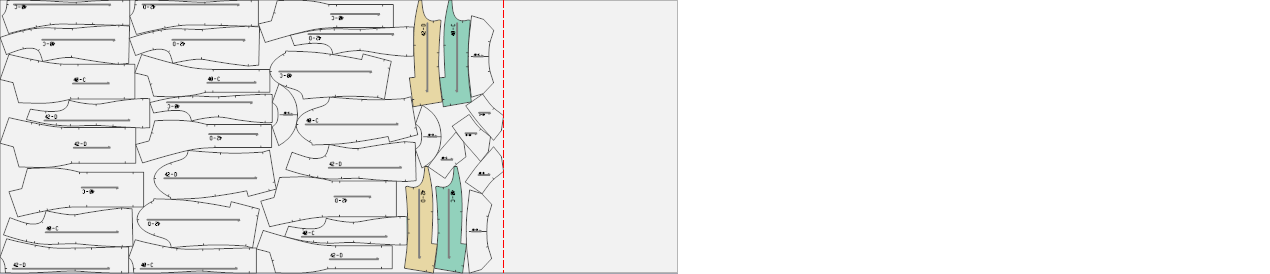
If the Angle checkbox is selected and a rotation value has been entered in the Operations section,  the Super Marker algorithm will rotate the piece clockwise or counterclockwise by the specified angle and place it into the marker for the most optimal layout.

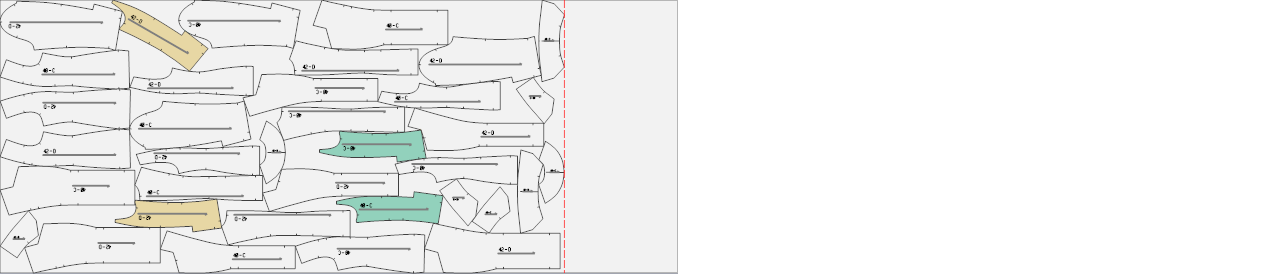
If the Rotate checkbox is selected, the Super Marker algorithm will flip the piece along the X-axis when necessary to achieve the most optimal marker layout.

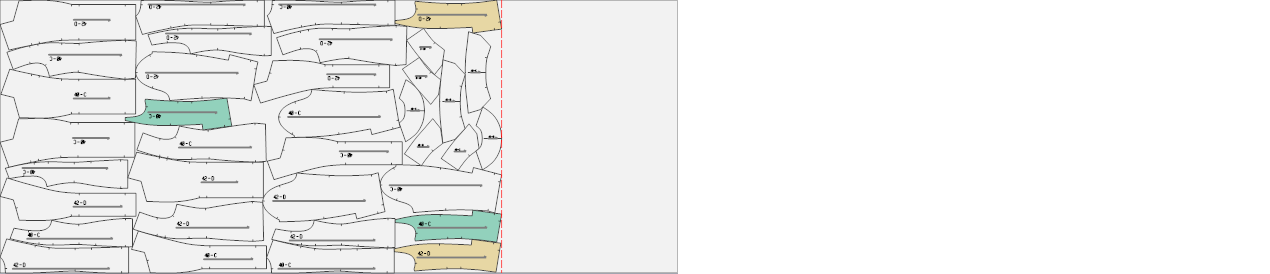
If the Fix Direction checkbox is selected, the piece will be placed in the marker exactly as it was created in the Pattern Design screen.